 Prime Intelligence
The monthly report
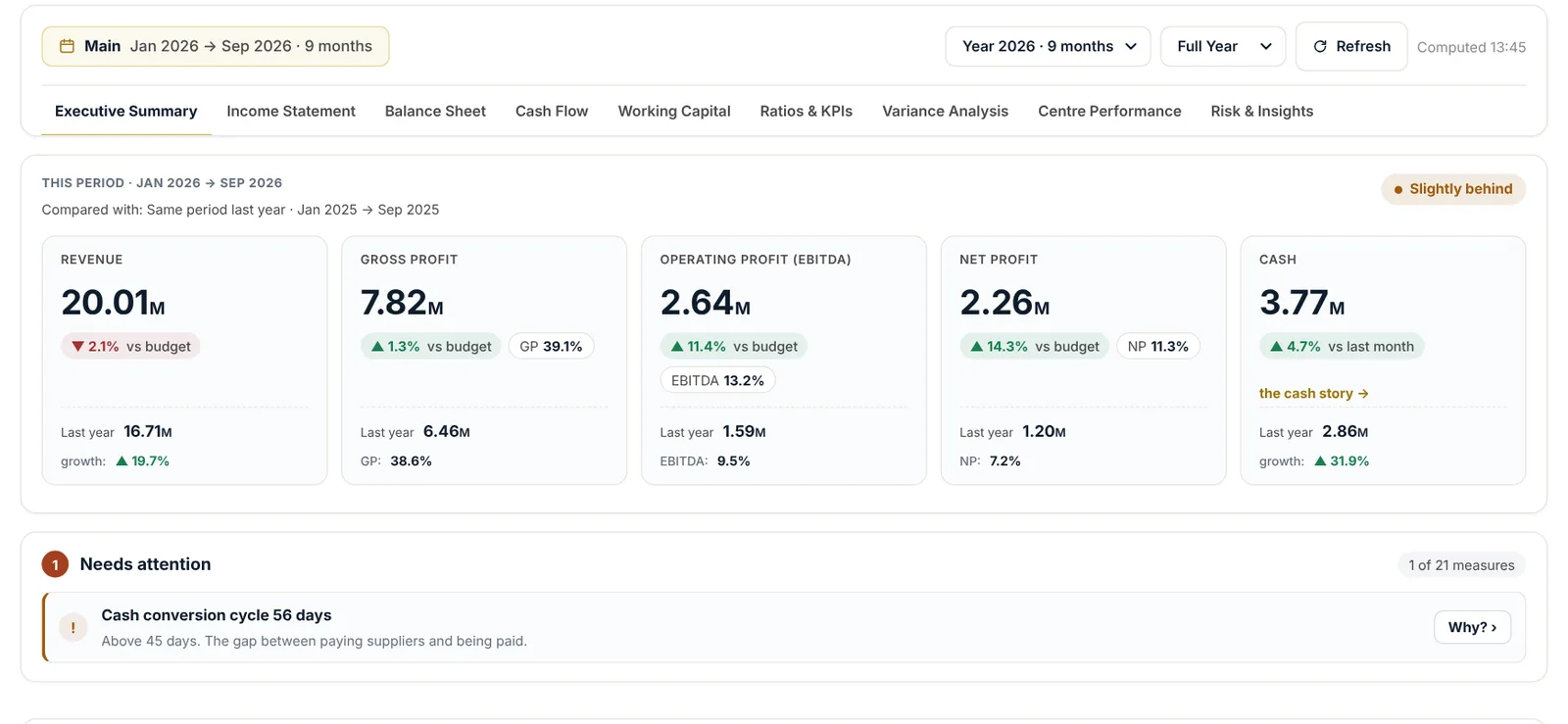
Open Monitoring board, then Monthly report. The report sets the month against the budget and last year, names the lines that moved most and gives the reasons and the actions, ready to share with the owner and the board.
Ask Nabd
- Open Nabd AI from the monitoring board.
- Pick a ready question, or type your own, for example: what are the risks this month, how much budget is left, or show me how everything is going.
- Read the answer. Figures come from your data; visual questions come back as charts with a reading, and you can show any chart as a table.
- Follow up in the same conversation; Nabd remembers what you asked.
Good to know
Suggestions are labelled Suggestion for your review. Nabd advises; the decision stays yours.
Questions
Which plan includes Nabd AI?
Ask your numbers is included from the Growth plan.
Is my data used to train the AI?
No. The AI runs inside Saudi Arabia and your data is never used to train any model.
Still need help?
Our team answers on WhatsApp and by email.