 Prime Intelligence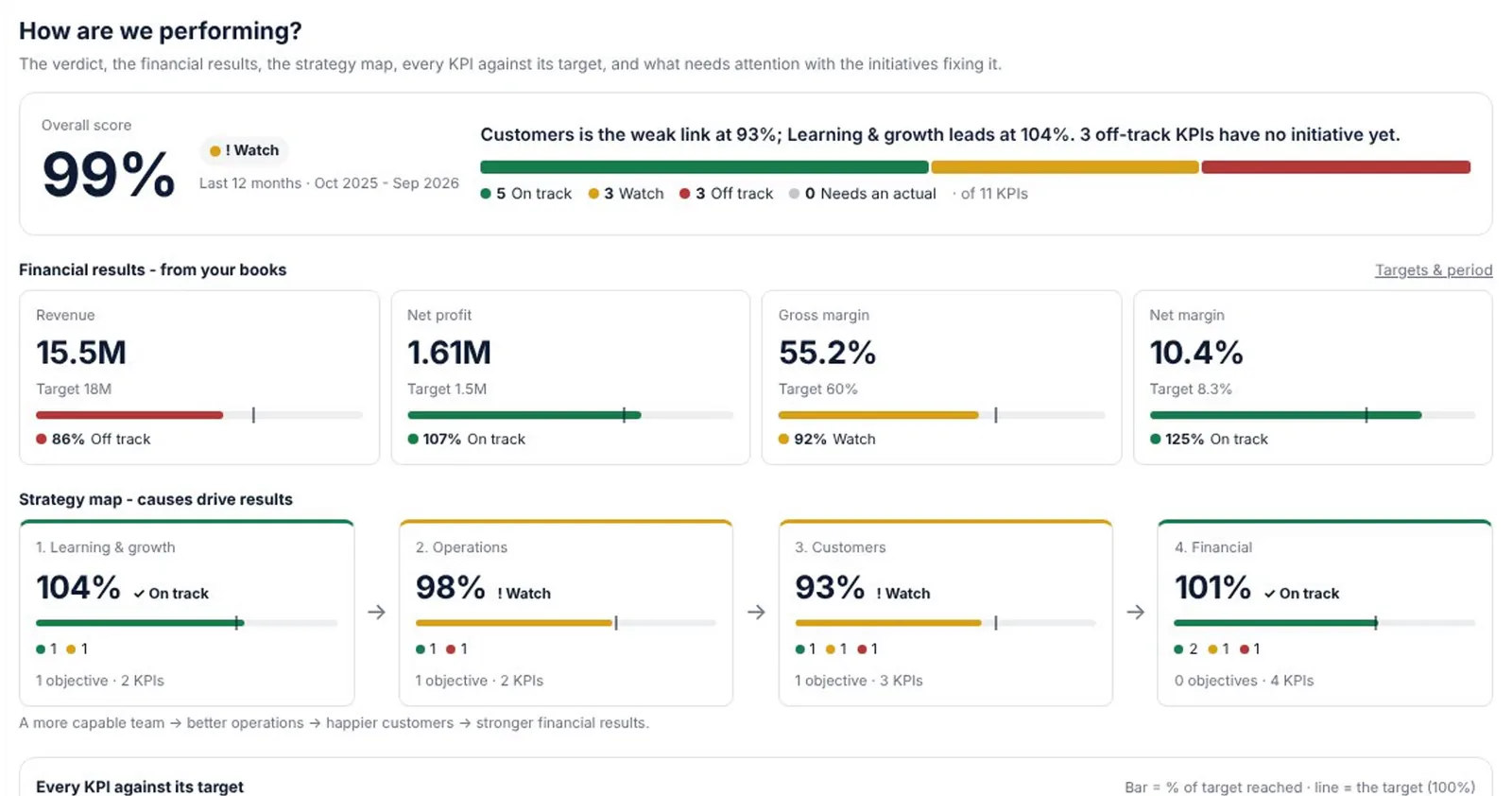
Two ways to begin
Start with a free financial diagnosis if you want to see your company's health first. Upload two years of approved statements as PDF and read your score in minutes, before you even register.
Or start a 14-day free trial of a package to use the whole platform on your real data. No card is needed, and the trial is once per account.
Create your account
- Open Sign in, then Create a free account.
- Enter your full name, your business email and a password of 8 or more characters, twice.
- Verify your Saudi mobile when asked: press Send code. The same code arrives by text message and on WhatsApp; type it and press Verify. One mobile belongs to one account.
- Add your company name and sector if you like; they speed up your first diagnosis.
- Accept the terms and press Create account.
Find your way around
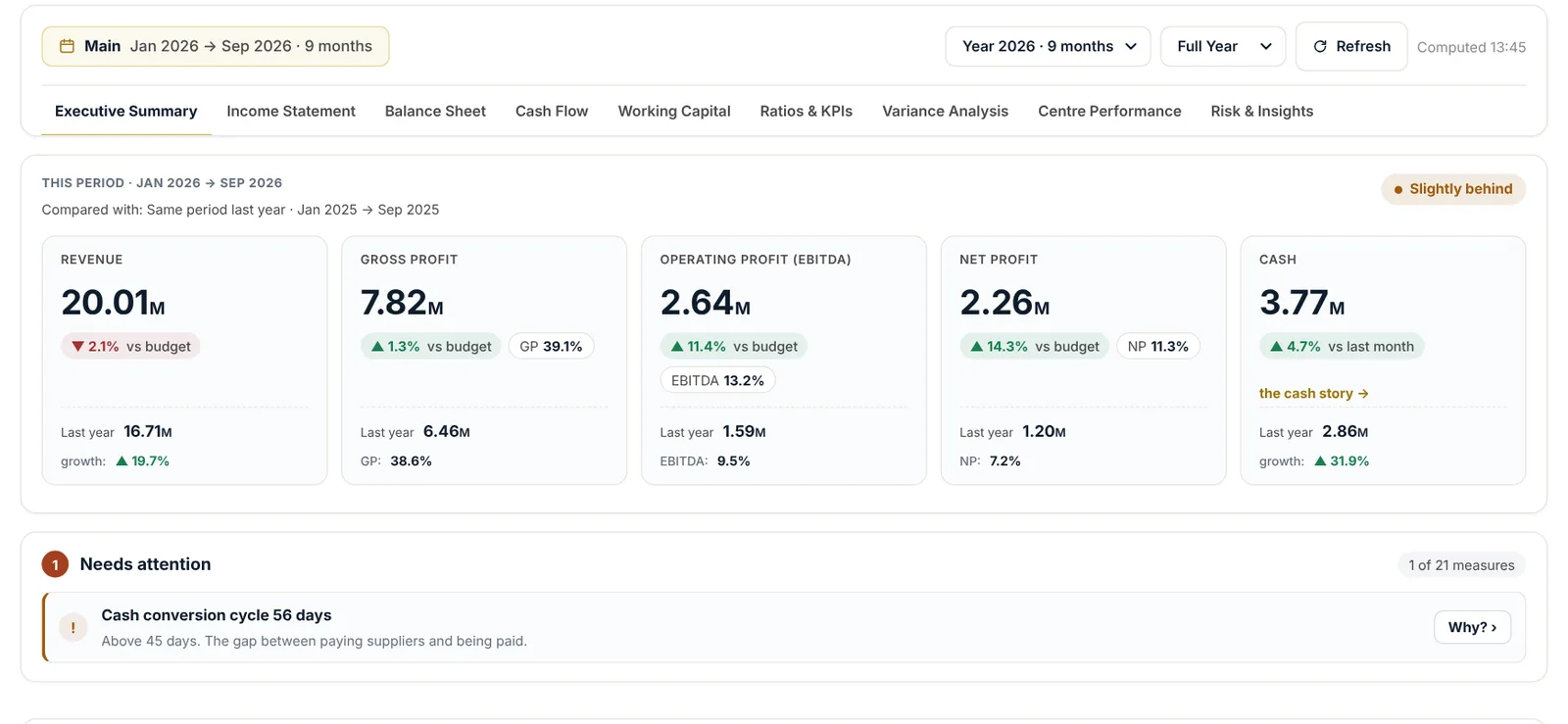
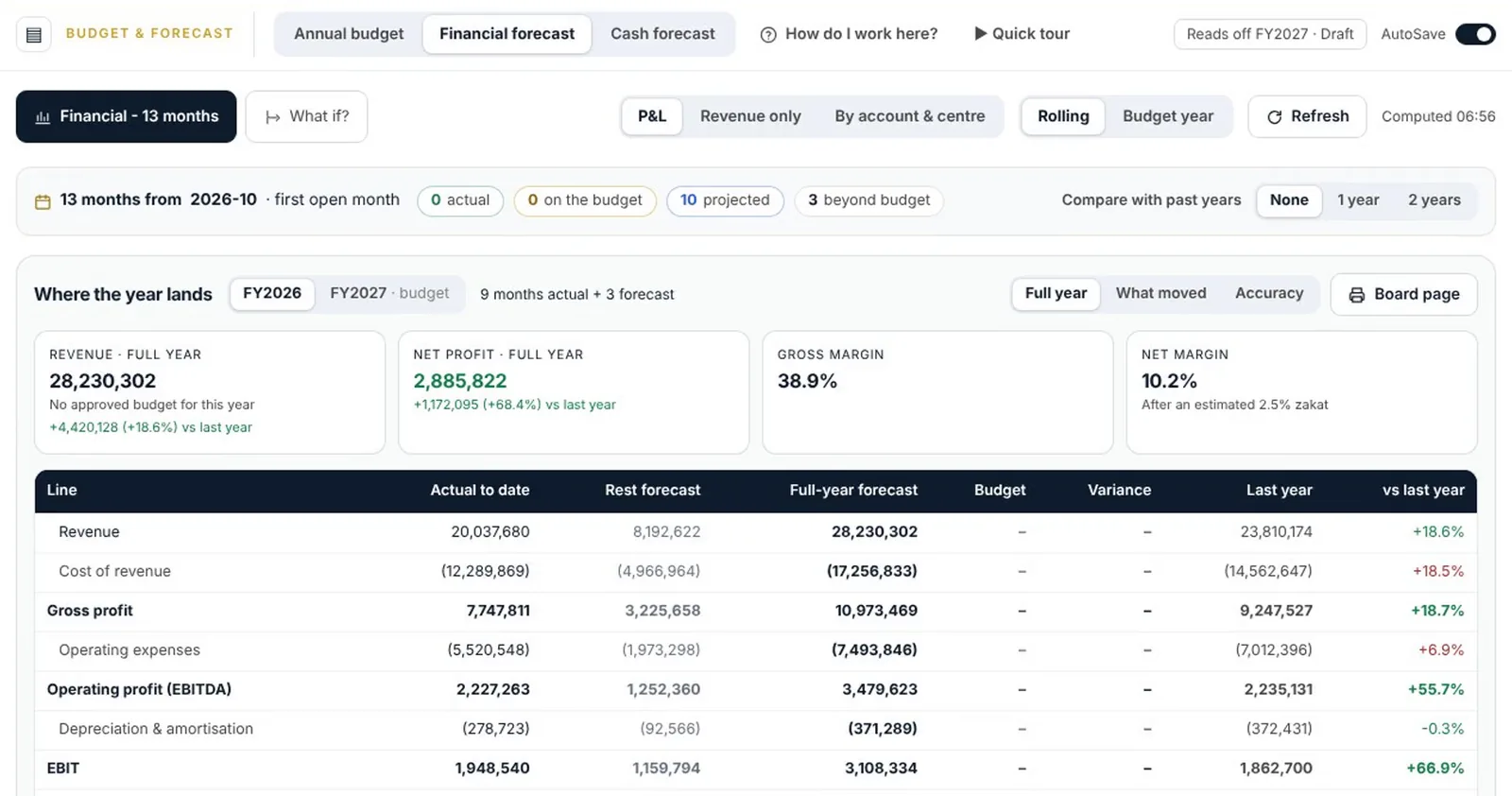
After you sign in, the platform is organised as apps. Each one has its own chapter in this guide:
- Financial diagnosis: your diagnoses and a new diagnosis.
- Data & connections: your accounting system, uploads, cost centres and team.
- Scorecard: performance against your targets.
- Budget & Forecast: the annual budget, the rolling forecast and 13-week cash.
- Monitoring board: the month at a glance, with the monthly report and Nabd AI.
- Close cockpit and Compliance: the month-end close, zakat and the statements.
The company menu in the top bar switches between your companies. Every screen then shows that company's figures.
Arabic and English
Every screen, report and statement works in both languages. Switch at any time from the language button; your figures stay exactly the same.
Questions
Do I need an accounting system?
No. You can upload your statements as PDF or Excel. A live connection simply keeps every month in sync for you.
What happens when the trial ends?
Your account returns to the free level and your data is kept. Subscribe to the package at any time to carry on where you left off.
Our team answers on WhatsApp and by email.